
How to Check Your DU Number: A Complete Guide for UAE Users
If you’re a DU customer in the UAE, knowing how to check your DU number is essential for managing your services. Whether you’re setting up a new device or troubleshooting issues with your mobile, internet, or TV plan, having quick access to your DU number makes managing your account simpler. In this comprehensive guide, we’ll walk you through several methods to check your DU number, common troubleshooting tips, and when it’s important to have your DU number handy.
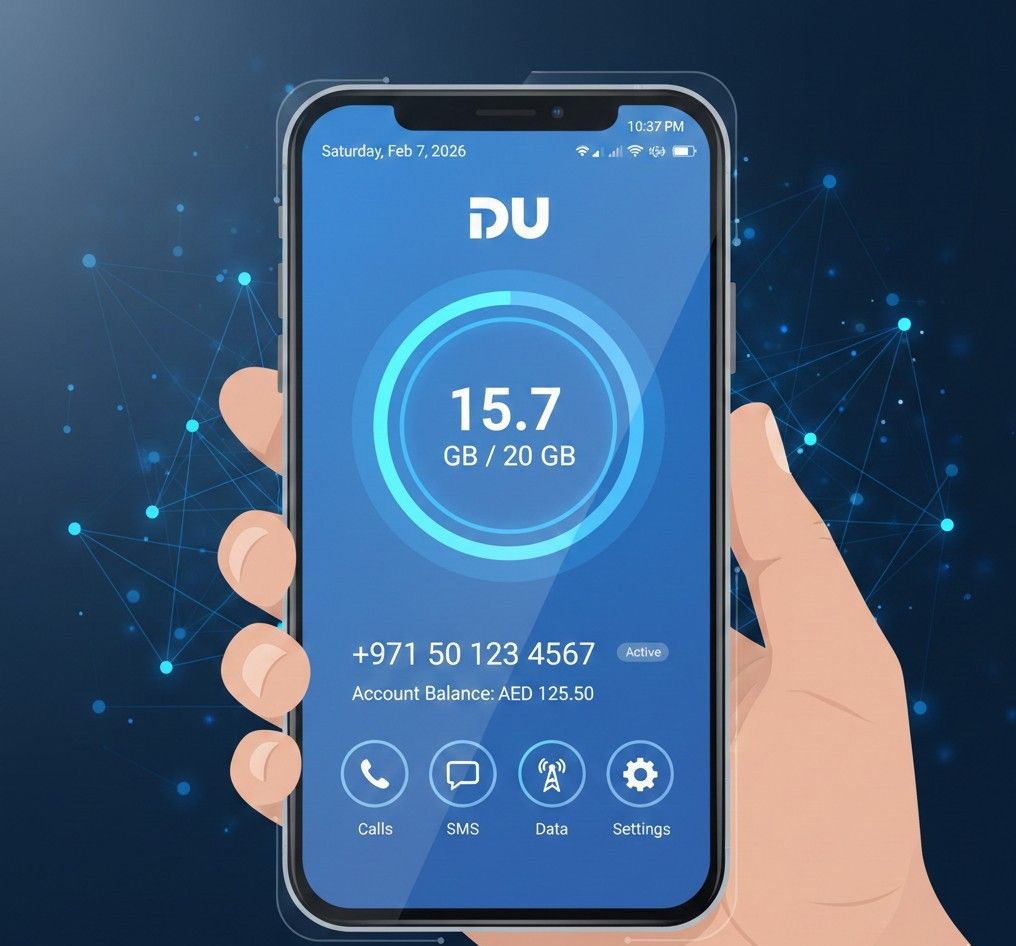
What Is a DU Number?
A DU number is your unique mobile number assigned by DU, a telecommunications provider in the UAE. This number is essential for all your DU-related services, including mobile, internet, and digital TV. You’ll need it when setting up services, managing your account, contacting customer support, and paying bills.
Whether you’re using a phone, the DU app, or the DU website, knowing how to check your DU number ensures that you’re using the correct account number.
Why Checking Your DU Number Matters
There are several scenarios where checking your DU number is crucial:
- New Device Setup: If you’ve just purchased a new phone or SIM card, you’ll need your DU number to activate and register your services.
- Account Management: Accessing your DU number allows you to manage your account details, make changes to your services, or resolve issues related to billing or subscriptions.
- Customer Support: DU customer service will often require your DU number when resolving any issues with your services.
In addition, knowing your DU number can help you avoid mistakes when handling customer service calls, billing issues, or troubleshooting technical problems.
How to Check Your DU Number
There are several ways to check your DU number, and each method has its advantages. Below, we will outline the most common methods used by DU customers in the UAE.
1. Using USSD Code
The easiest way to check your DU number is by using a USSD code. This method doesn’t require an internet connection, making it a convenient option when you’re on the go.
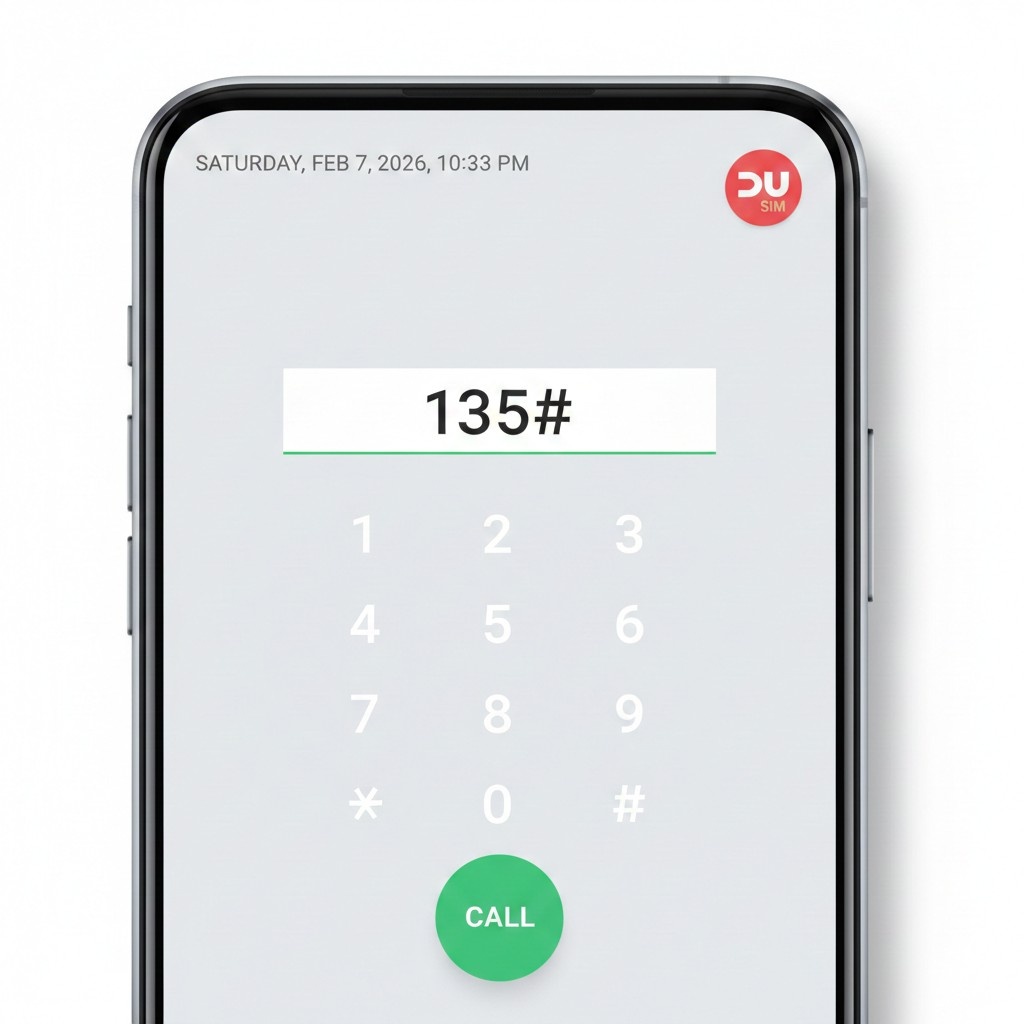
Steps to Check DU Number Using USSD:
- Open your phone’s dialer app.
- Dial *135# and press the call button.
- Your DU number will appear on the screen.
This method is quick and free of charge. However, it requires a good signal reception, so ensure you are in an area with strong network coverage.
2. Via the DU Website
If you have access to the internet and prefer managing your account via the web, the DU website offers an easy way to find your DU number.
Steps to Check DU Number on the DU Website:
- Visit the official DU website.
- Log in to your DU account using your username and password.
- Once logged in, navigate to the “Account Information” section, where your DU number will be displayed.
This method is ideal if you need to check additional details about your account, such as your plan and billing history.
3. Using the DU Mobile App
The DU app is a comprehensive tool for managing all your DU services. In addition to checking your DU number, you can use the app to track data usage, pay bills, and modify your account settings.
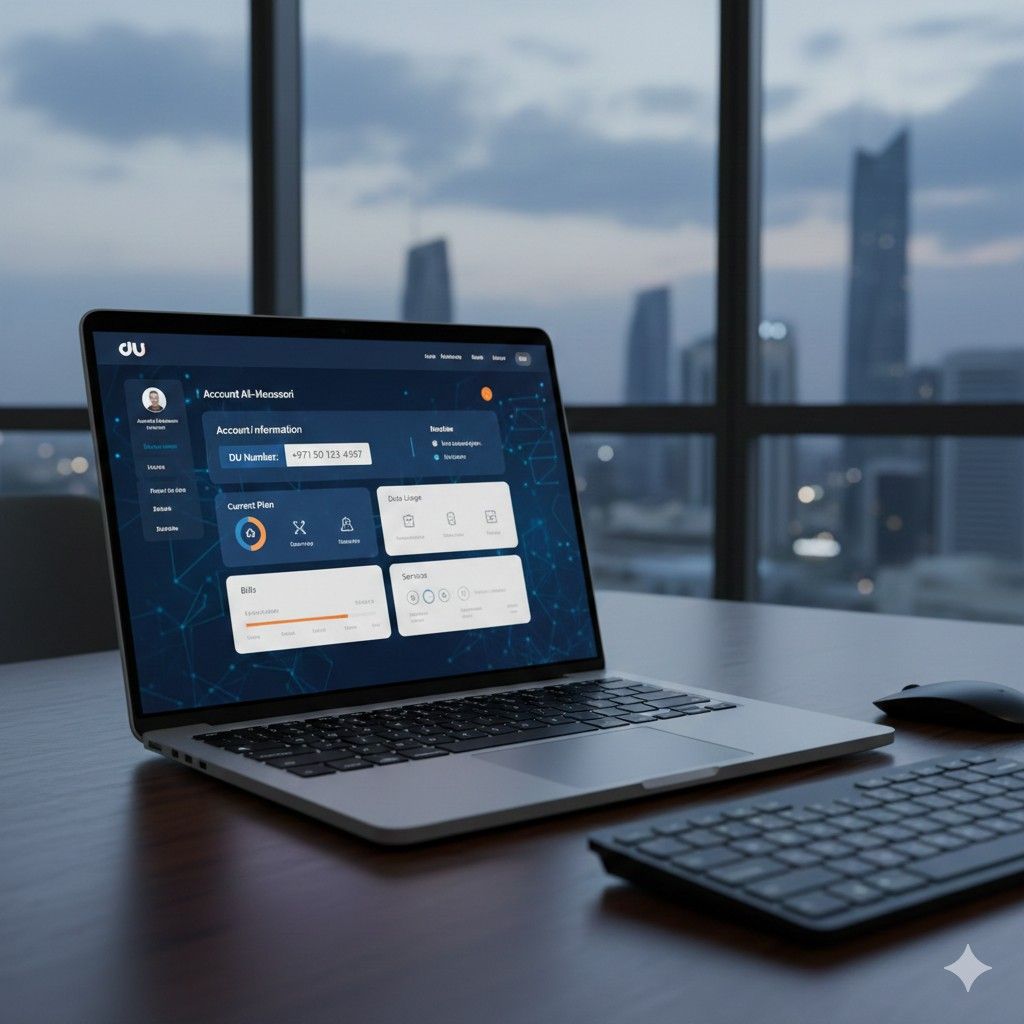
Steps to Check DU Number Using the DU App:
- Download the DU app from the Google Play Store or Apple App Store.
- Open the app and log in with your DU account credentials.
- Your DU number will be displayed on the main dashboard.
The DU app is useful for users who want ongoing access to their account details and additional services such as top-ups, support, and plan management.
Common Issues When Checking Your DU Number
While checking your DU number is typically straightforward, users may encounter some issues. Here are a few common problems and how to resolve them:
1. DU Number Not Displaying
If your DU number doesn’t show after dialing the USSD code or opening the app, try these troubleshooting steps:
- Ensure a good signal: Weak network reception can prevent the number from showing up.
- Restart your phone: This can resolve minor software glitches.
- Check your SIM card: Make sure your DU SIM is properly inserted and activated.

2. Incorrect DU Number Displayed
If the number displayed doesn’t match your expected number, there may be a technical issue with your account. In such cases:
- Check your account details on the DU website or app to ensure the correct number is listed.
- Contact DU customer support to verify and correct your account details.
3. Access Issues with DU Website or App
If you can’t log into the DU website or app, make sure your credentials are correct. Use the “Forgot Password” feature to reset your login details. If problems persist, contact DU customer service.
When Should You Check Your DU Number?
There are several instances when it’s necessary to check your DU number:
- During Device Setup: When activating a new phone or SIM, you’ll need your DU number.
- When Managing Your Account: Before making changes to your account, such as updating services or paying bills, you may be asked for your DU number.
- For Troubleshooting: If you’re facing issues with your service, customer support will often need your DU number to assist with resolution.
Having your DU number handy can save you time and effort when managing your services or troubleshooting issues.

Local Considerations: DU Services in the UAE
DU services are widely available across the UAE, but there may be slight variations depending on your location. For example:
- DU Services in Dubai: If you’re in Dubai, DU offers a wide range of services, including mobile, internet, and TV. You can visit local DU stores in the city for assistance with your DU number or other account-related queries.
- DU Services in Abu Dhabi: In Abu Dhabi, you can find DU customer service centers that offer similar services. You may need to check your DU number when setting up or managing services in the capital.
- Sharjah and Other Emirates: In Sharjah and other Emirates, DU has customer service centers where you can get assistance with your DU number and account management.
Always ensure that you’re in the right region when accessing DU services to avoid confusion.
FAQs
1. How can I check my DU number?
You can check your DU number by dialing *135# on your phone, using the DU app, or logging into the DU website.
2. What is the USSD code for checking DU number?
Dial *135# on your phone to instantly see your DU number.
3. Why is my DU number not showing on the app?
This could be due to app login issues or a weak network connection. Try logging out and back in, or ensure your phone has a stable signal.
4. Can I check my DU number using SMS?
Currently, DU does not support checking your number via SMS. Use USSD or the DU app for easy access.
5. What should I do if the DU number displayed is incorrect?
Contact DU customer service to resolve discrepancies and verify your number.
6. Can I check my DU number from another device?
Yes, you can use the DU app or website from any device by logging into your account.
7. When should I check my DU number?
Check your DU number when setting up a new device, managing your account, or troubleshooting issues with customer support.
Conclusion
Knowing how to check your DU number is an essential part of managing your DU services. Whether you use the USSD code, the DU app, or the DU website, these methods are simple and quick. If you run into issues, the troubleshooting tips provided will help you resolve any problems you may encounter. Always keep your DU number handy, as it’s required for setting up devices, contacting customer service, and managing your account effectively.

Muhammad Rehan
SEO Expert with 7+ Years of Experience
With over seven years of experience in Search Engine Optimization, I specialize in enhancing website visibility, driving organic traffic, and boosting online presence for businesses. My expertise spans technical SEO, content optimization, keyword research, link building, and data analytics. I have a proven track record of improving search rankings, enhancing user experience, and delivering measurable results for clients across various industries.